How it works
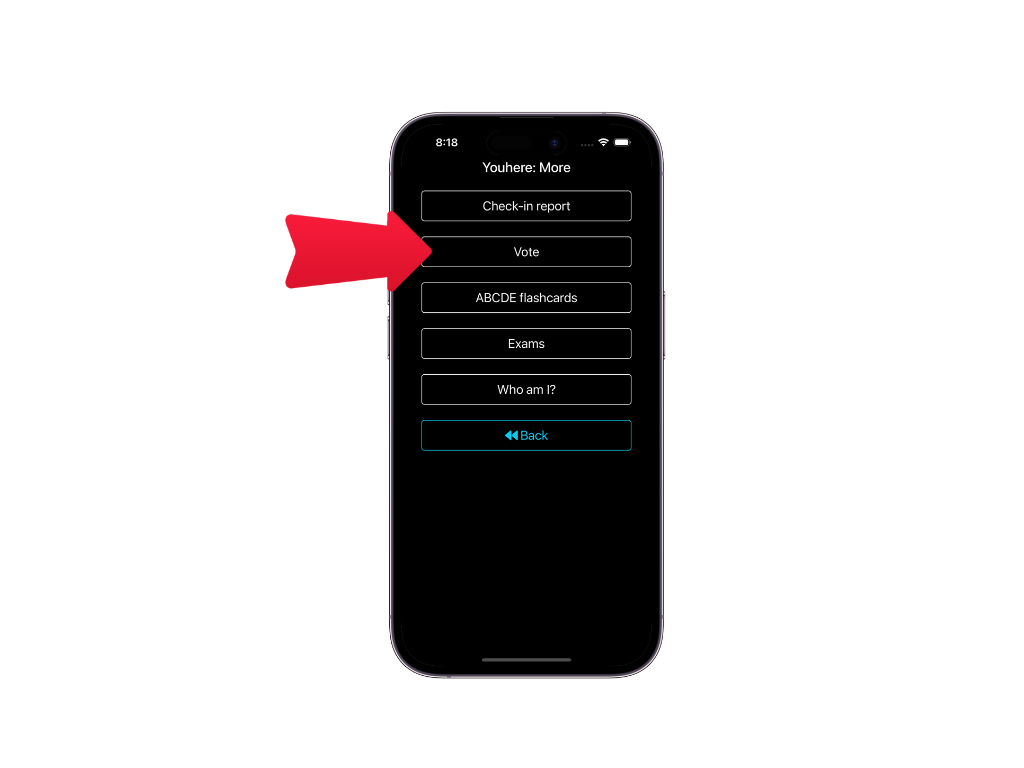
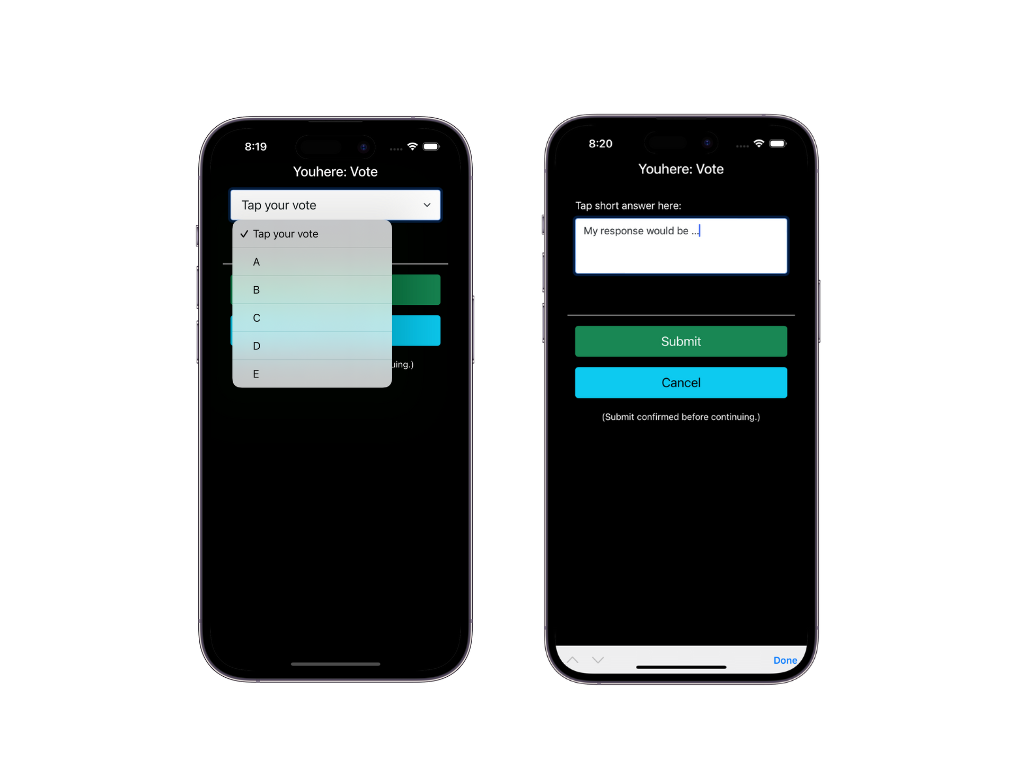
Start by posing a question to your group. In your dashboard, click the More dropdown and select Take a vote. You can configure multiple-choice (A-E) or short-answer responses.
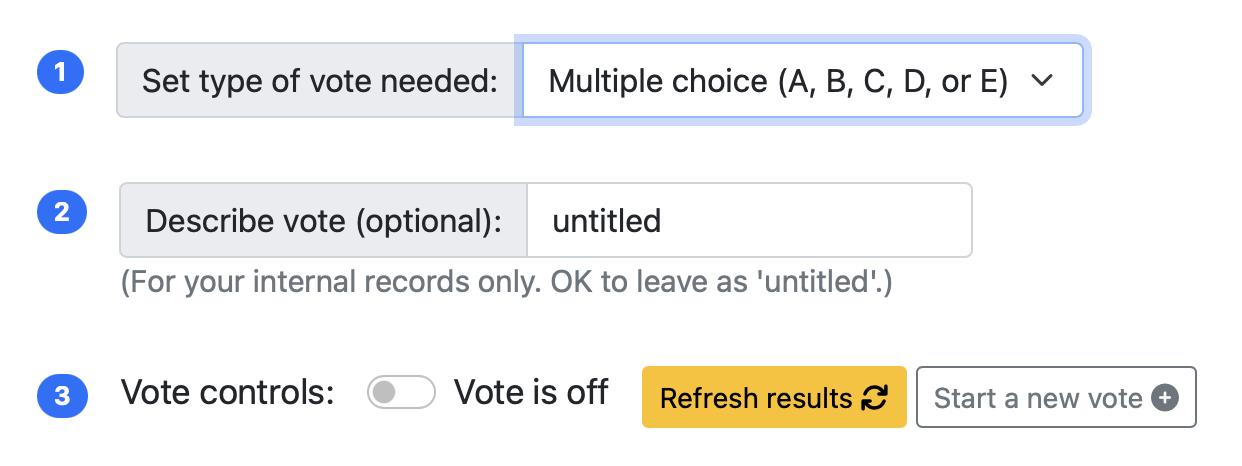
When you're ready, turn the vote on. Your participants can then "tap-in" their answers immediately through the app.
Instant, Visual Results
Youhere compiles results in real-time. You can display the live histogram on your laptop for the whole group to see as the votes come in.
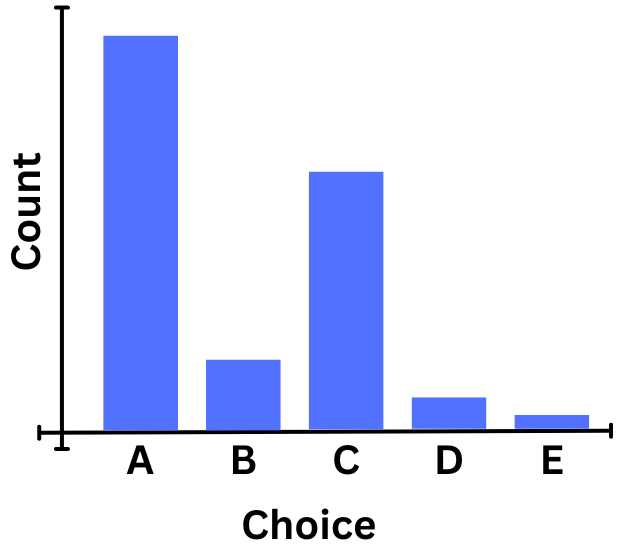
Multiple choice results are graphed automatically, while short answers are listed one-by-one for your review.
No Extra Cost
Live voting is included with all Youhere subscriptions. It's just one more way to make your meetings more interactive.